Google Block Breaker has emerged as a refreshing browser-based arcade experience that’s capturing attention worldwide. As a modern spin on classic brick-breaker and paddle-ball games, Google Block Breaker offers immediate, no-installation-needed fun—making it ideal for casual gamers, nostalgic retro lovers, or anyone wanting a quick gaming session. In a time when games often require downloads, user accounts, or hefty hardware, Google Block Breaker stands out by combining simplicity with addictive gameplay. In this article, we dive deep into what the game is, how it works, what makes it popular, and how you can master it.
What is Google Block Breaker?
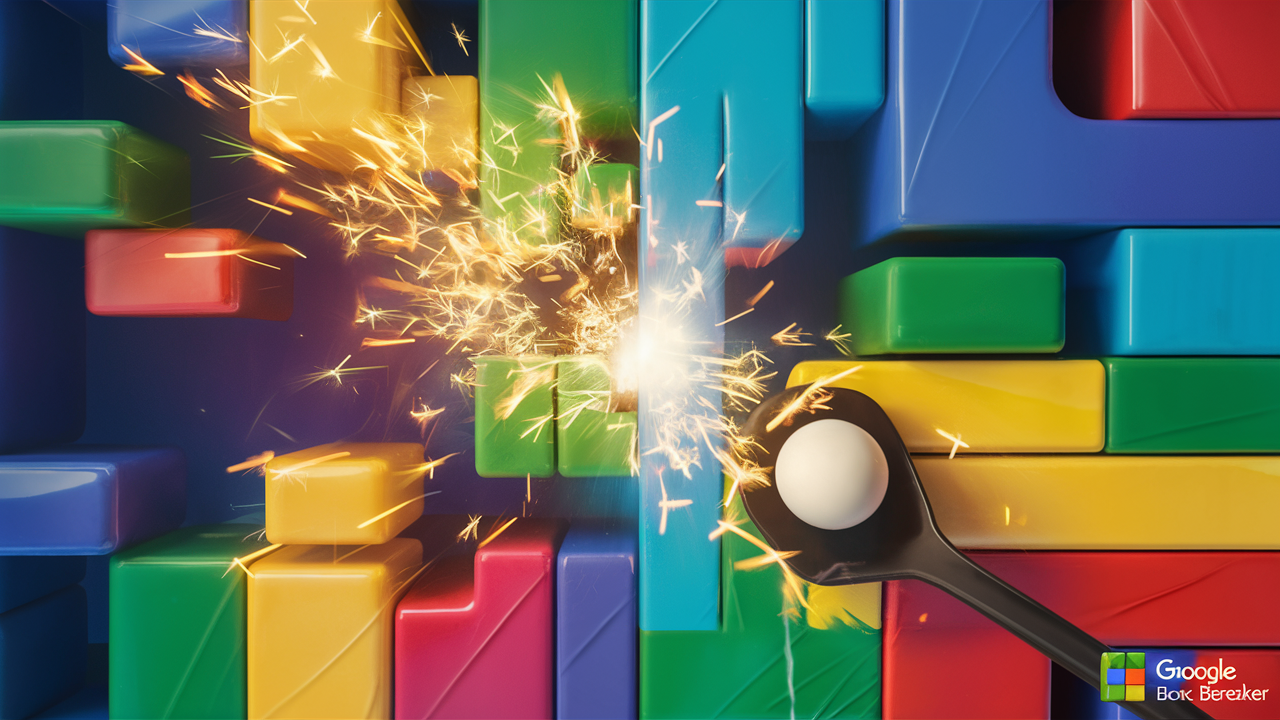
Google Block Breaker is a browser-based brick-breaker game that revives the classic arcade formula: you control a paddle at the bottom of the screen and bounce a ball upward to destroy rows of colored blocks. The goal is simple but addictive — clear all the blocks to advance, avoid letting the ball drop below your paddle, and use catching skills and reflexes to stay alive.
Unlike many modern games, there’s no requirement to download or install anything. It runs directly in your web browser, often accessible via a simple web search for “Google Block Breaker,” or on websites hosting the game.
Its design mixes nostalgia with modern gameplay sensibilities — smooth graphics, responsive controls, and accessible for both newcomers and veteran players alike. That makes it a perfect quick-play game for breaks, commuting, or casual gaming sessions.
How to Play Google Block Breaker – Basic Controls and Mechanics
Starting Google Block Breaker is straightforward: open the game in your browser, and either click “Play” or launch the ball. On desktop or laptop, you usually control the paddle with the left and right arrow keys or the mouse/trackpad; press spacebar or click/tap to launch the ball. On mobile devices or tablets, swipe or tap horizontally to slide the paddle under the ball and keep it in play.
Once the ball is in motion, your mission is to bounce it to hit and destroy all the blocks. Each block disappears (or becomes damaged depending on block type), awarding points. As blocks break, some may drop power-ups — helpful items that enhance your paddle, multiply balls, or give other special effects. But you must catch them quickly with the paddle before they fall off-screen.
You typically begin with a set number of lives (often three). If the ball passes below your paddle, you lose a life — lose all lives, and the game ends. The challenge increases with each level: block arrangements get trickier, ball speed may ramp up, and power-ups can be as much a curse as a blessing depending on timing and control.
What Makes Google Block Breaker Addictive and Popular
Instant access, no barrier to entry
Because the game runs directly in a browser — no downloads, no registrations, no complicated setup — it’s extremely accessible. Players can jump in within seconds, making it ideal for quick gaming sessions or casual breaks.
Simple mechanics, deeper skill curve
Although the gameplay mechanics are straightforward (paddle, ball, bricks), mastering the game requires skill, reflexes, and strategy. Timing the bounce, controlling angles, deciding when to catch power-ups — these layers give depth that keeps players engaged beyond the first few rounds.
Power-ups and dynamic levels
Modern Block Breaker versions add power-ups like multi-ball, paddle extension, bombs or lasers, and variable block types — making each level different and adding unpredictability. This variety enhances replay value far beyond the original brick-breaker games.
Nostalgia meets modern design
For many gamers, Block Breaker delivers a sense of nostalgia while embracing contemporary conveniences: smooth browser performance, clean visuals, quick load times, and compatible controls on desktop and mobile. That combination resonates especially well with both older gamers and a newer generation discovering classic games.
Advanced Tips & Strategies to Master Google Block Breaker
-
Control your paddle angle carefully. Hitting the ball near the edges of the paddle creates sharper angles — useful for clearing corners or tricky block formations. Center hits create predictable trajectories. Angles = strategy.
-
Prioritize catching power-ups, but stay safe. Multi-ball, extended paddle, or bomb-related power-ups can dramatically improve your block-clearing speed — but only if you catch them without losing the ball. Sometimes it’s smarter to wait.
-
Focus on ball control over speed, especially early on. Rushing to break blocks quickly often causes mistakes. Better to aim accurately, maintain control, and work methodically, especially in early levels.
-
Watch block layouts before launching the ball. A quick glance at the arrangement of blocks helps plan shots and anticipate bounce paths. Great for maximizing efficiency and reducing lives lost during tricky setups.
-
Stay calm when multiple balls are in play. Multi-ball can get chaotic. Instead of following every ball, keep focus on one or two primary balls — that way you avoid losing all lives due to scattered chaos.
Why People Keep Coming Back to Google Block Breaker
-
It’s free. No cost, no signups, no ads (on many versions) — just instant gameplay that doesn’t require commitment.
-
Cross-device compatibility. Works on desktops, laptops, tablets, and smartphones — allowing quick gameplay whether you’re on a computer or on the go.
-
Short sessions or long play. Whether you want a quick 5-minute break or plan to grind for high scores, Block Breaker adapts. Levels are usually short enough for quick play, yet engaging enough for long sessions.
-
Universal appeal. From casual gamers to arcade veterans, the simple-but-skillful nature of the game appeals to a wide audience.
Conclusion
Google Block Breaker delivers what few browser games manage: instant fun, accessibility, simplicity, and depth — all wrapped in a nostalgic yet modern package. Whether you play for five minutes between tasks or aim to hit high scores late into the night, it provides a satisfying break and a quick dose of classic arcade fun. Its power-ups, level variety, and responsive controls make it more than just a simple block-breaker; it’s a testament to how timeless gameplay design still resonates today. For anyone looking for easy-to-access entertainment, throwback gameplay, or a reliable way to unwind, Google Block Breaker stands out as a top choice.
FAQ – Common Questions About Google Block Breaker
1. What is Google Block Breaker?
It’s a browser-based brick-breaker game where you use a paddle to bounce a ball and destroy rows of bricks. The objective: clear all blocks without letting the ball fall past your paddle.
2. Do I need to download or install anything to play it?
No — the game runs directly in your browser. There’s no installation, no registration, and often no ads.
3. Can I play Google Block Breaker on mobile devices?
Yes. The game supports touch controls (swipe or tap) for mobile and tablet devices, and arrow keys or mouse/trackpad on desktop.
4. What kind of power-ups does the game offer?
Depending on the version, power-ups may include multi-ball, paddle extension, lasers or bombs, increased speed or other bonuses to help break bricks more efficiently.
5. Is Google Block Breaker free to play?
Absolutely — the game is generally free, with no downloads or signups required.